
Read more...
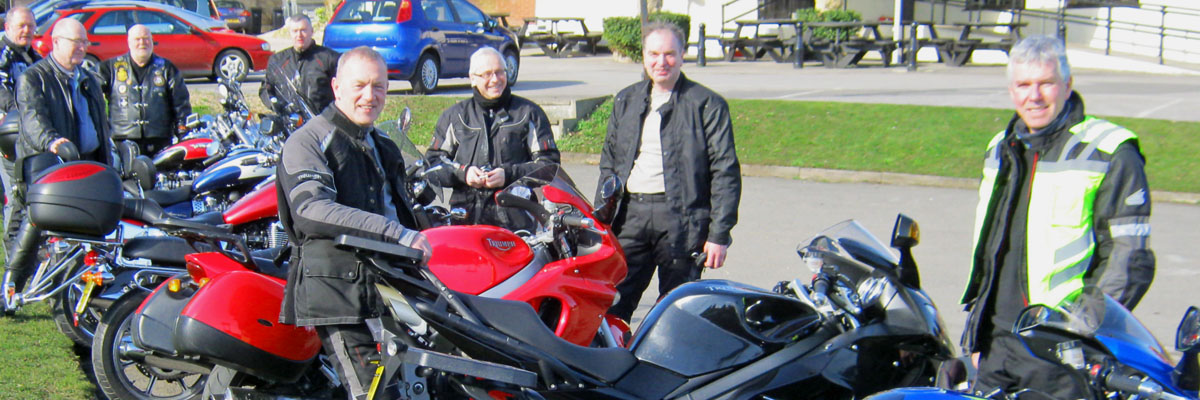
Iconic Machines at TOMCC 75
On the 17th to 19th May 2024 the TOMCC will have a 75th Anniversary "Party on the Hill" at the Shelsley Walsh Hill Climb where Ernie Lyon broke the hill record on a T100GP prototype racer. There will be all manner of Triumphs being run up the hill on the Saturday. Read on to discover a few of these iconic machines.
Triumph Day at the NMM
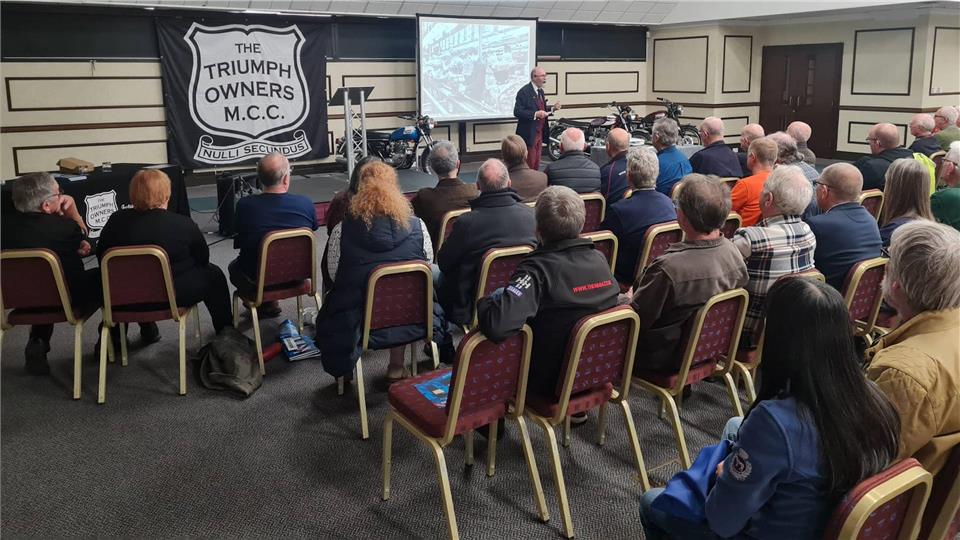
On 27th April, will be an excellent time to meet up with other Triumph Enthusiasts at one of the UK's best museums, dedicated to all sorts of motorcycles. Though, of course, we are really only interested in Triumphs but there are plenty of those on show. Norman Hyde will be giving a talk on the Meriden era Racing department.
TOMCC 75 'Party on the Hill' News
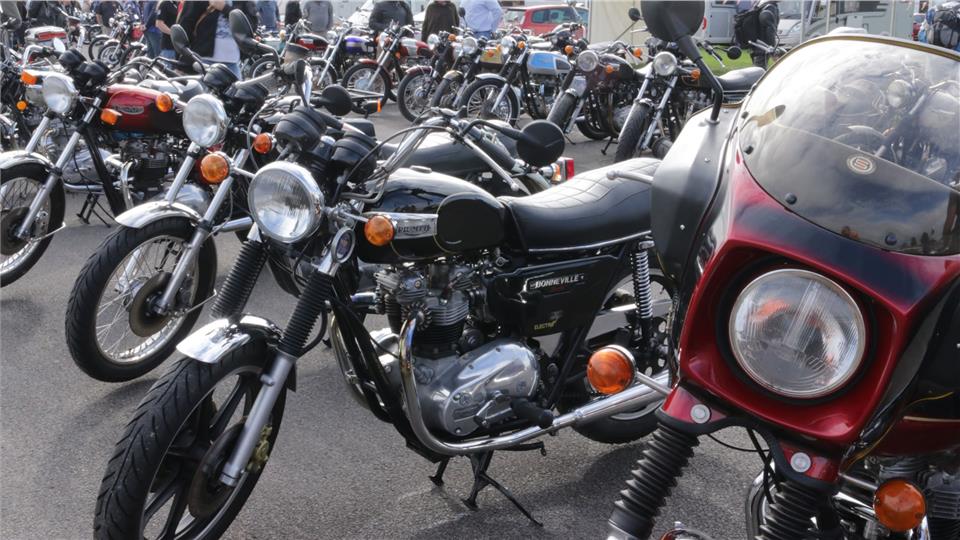
From the 17th May to the 19th May at the Shelsley Walsh Hill Climb (tickets include free camping on site), the TOMCC will be celebrating its 75th anniversary. All Triumphs at the event will be eligible to win one of 10 Trophies, which will be presented on the Saturday - will yours be one of them?
New Branch in Cambridge
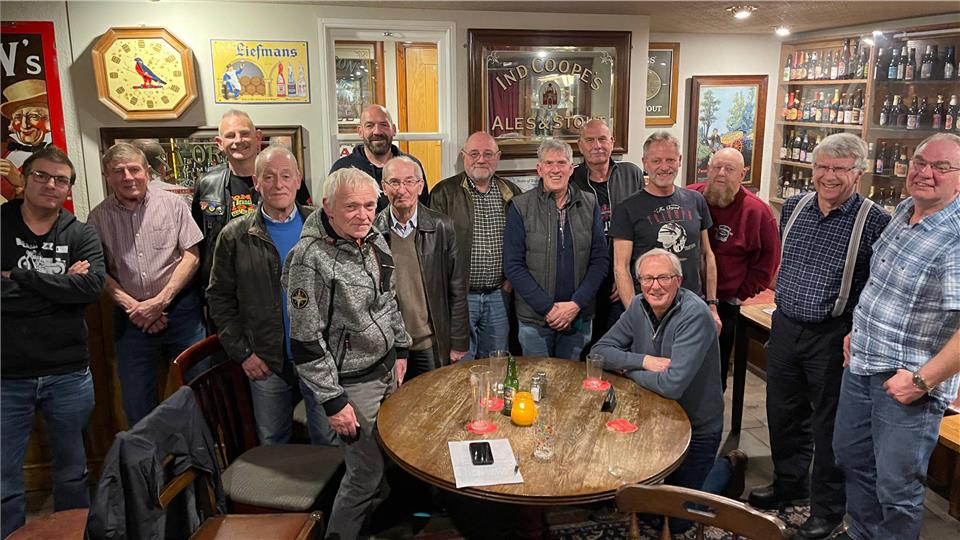
Meeting at the Red Lion, 27 High Street, Histon, CB24 9JD (in the Bottle Room) from 7.30 pm on the first Wednesday of the month, we now have a branch just to the North of the University town of Cambridge. Their first official meeting went down a storm and the new Branch committee were welcomed with open arms.

TOMCC 75 "Party on the Hill" News
Two months to go. If you haven't booked your tickets yet then book them now (link below)! We will only be accepting ticketed entry to the event - no on the day cash entry. Don't forget that your ticket allows you free camping at or around the centre of the action. It's our 75th Birthday - come along and share the celebration.

Branch Events for your Diary
Why not go along to one of your local branch events or meetings. There is a lot going on now around the TOMCC regions and a visit to a branch meet or event is always a good start to the biking season. See our events list to see what is going on or find your local branch and check out their branch meetings.

TOMCC 75 Party on the Hill
Only three months to go and tickets are selling fast. To celebrate our 75th Birthday, we are having a Party on the Hill from the 17th to the 19th May 2024 at Shelsley Walsh Hill Climb. If you like looking at, talking about, and celebrating Triumphs of all shapes and ages, then this is the event for you. Camping included in ticket price.